How to check my bill?
Modified on Fri, 23 Jan at 10:00 AM
You can easily check your bill details in the CelcomDigi app by following the steps below:
| Steps | Guide |
| Step 1: On your CelcomDigi app homepage, tap ‘Check Bill’ | 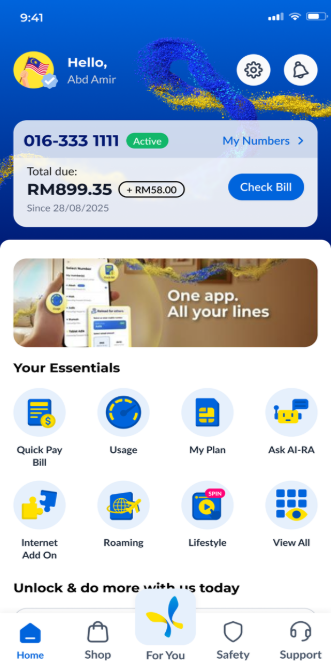 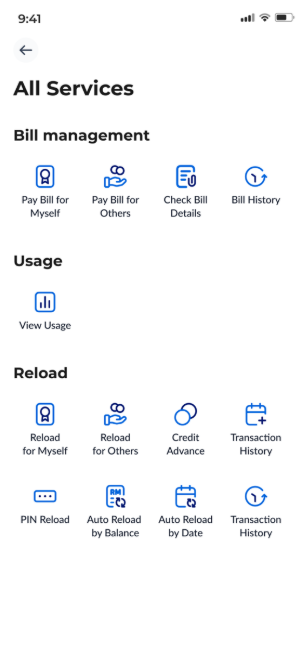 |
| Step 2: On the ‘Check Bill Details’ page, you can view your billing information, including your account number, payment due date, and bill payment history. | 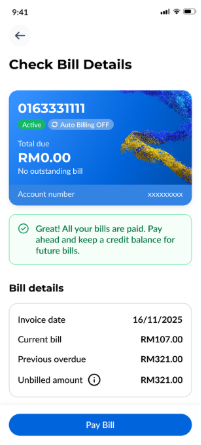 |
Was this article helpful?
That’s Great!
Thank you for your feedback
Sorry! We couldn't be helpful
Thank you for your feedback
Feedback sent
We appreciate your effort and will try to fix the article


